


The anatomy of resource pages that generate leads

Posted by Scott Stanford
Last updated 6th February 2021
reading time
-
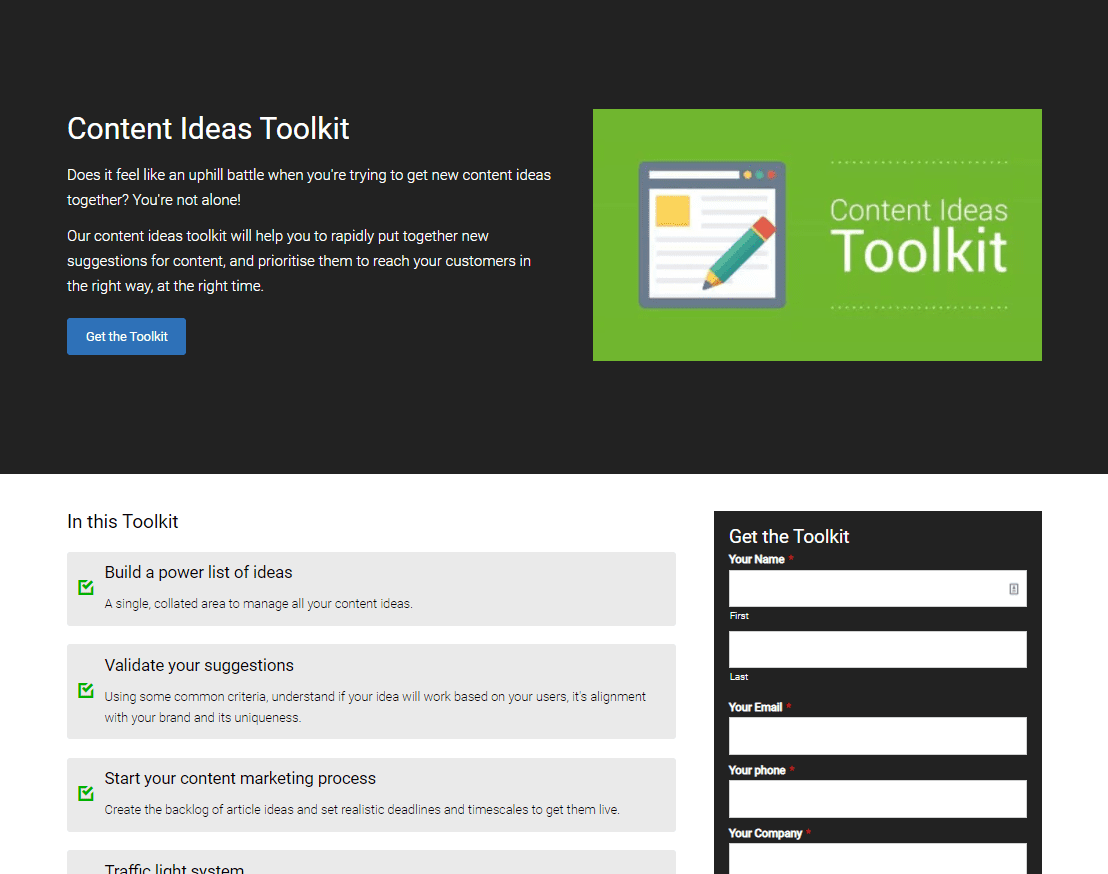
When it comes to building lead magnet pages for your website that attracts visitors and encourages them to leave contact details behind (in exchange for a valuable resource, of course), it can be a mix of part-science and part-art to achieve the best results.
Dissecting this alchemy can seem like a mountainous task, but when you get it right, the benefits you'll achieve will leave your sales and marketing teams filled with glee!
Knowing the exact makeup of a high converting resource page isn't too tricky. Nonetheless, we've given the breakdown below. So, in a nutshell, make sure they include:
- A title of the resource (try and keep it short and engaging)
- A description of the resource (just a sentence or two)
- An image/thumbnail of the resource in question
- A dynamic form that gate-keeps the content until a prospect provides some details on who they are
-
Include a title and description for the resource
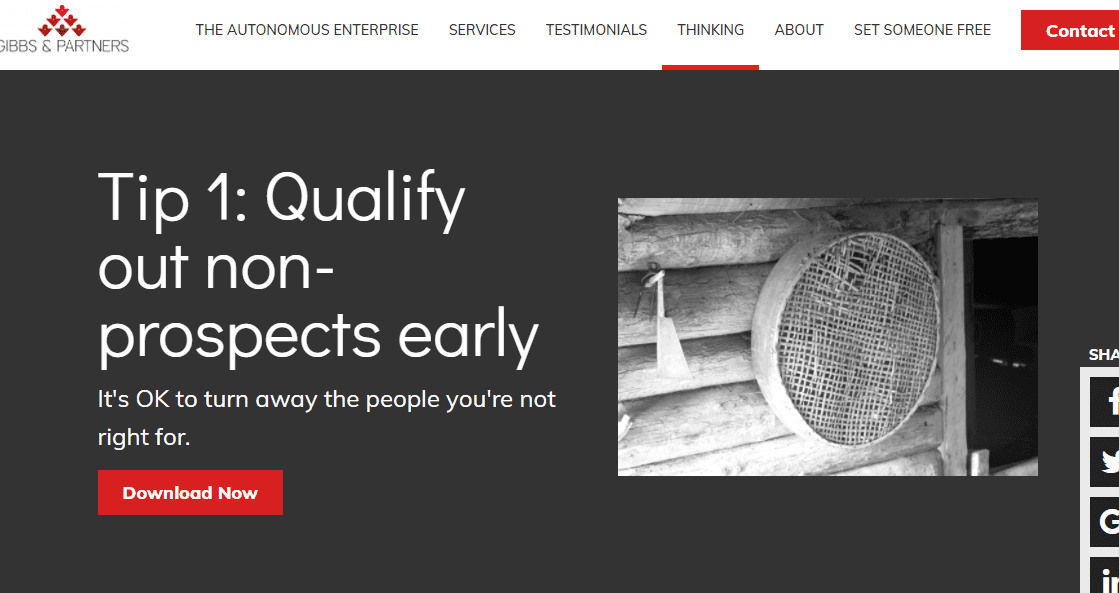
It should go without saying, but ensuring that a visitor to your resource or download page can easily understand the value they will receive is essential. Trying to name your downloads with creative titles and compelling snippets is a surefire way to get people to read on further and take action.
Our review of a range of landing pages that offer resources and downloads has revealed there is a consistent formula (which you can apply) to getting titles and description that work. Some examples of these are:
- The XX tips to achieve {Result}
- How to {Result} in {XX} Days
- The secret guide to {Topic}
-
Include an image or thumbnail of the resource
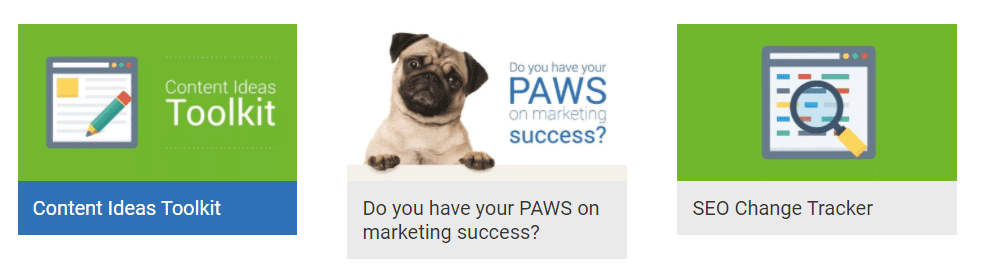
They say a picture paints a 1000 words, so it is no wonder why using a quality image to sell your download is essential. Whether it is in the format of a book cover or a larger spotlight/cover image, the result is the same. It's critical to note that visitors who buy with their eyes will feel compelled to take the next step and download your resource.
If you are stuck for creative design ideas for your resource cover or thumbnail, why not try why some easy-to-use online tools like Canva or Adobe Spark. You'll have access to a range of templates that can be adjusted to match your brand colours and have you up and running in no time at all!
-
Hide your downloadable content behind a form
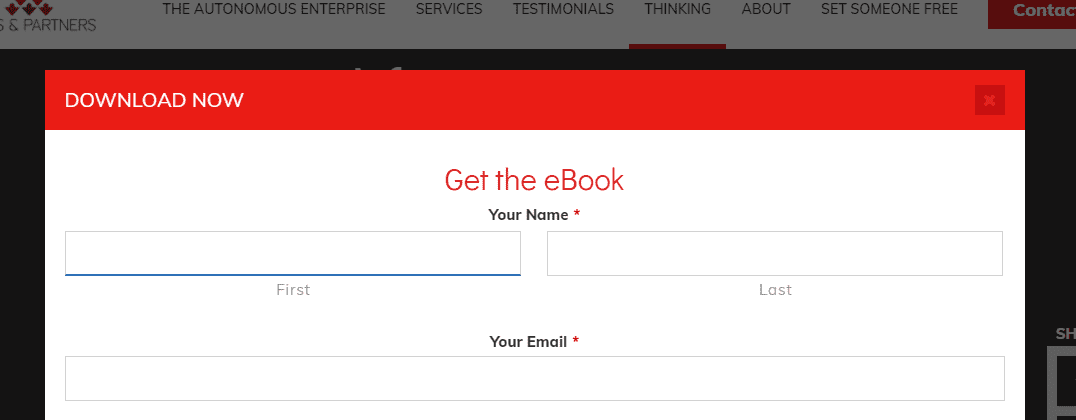
When it comes to providing valuable resources for your website visitors, it is crucial to get a degree of buy-in. A dynamic form is a fantastic way of achieving this by separating the on-the-fencers from those in a genuine position to start their decision-making process.
A form can be as simple as collecting just an email address or can be a more complex set of questions that you use to qualify if someone is a good fit for your offering. Think of questions like whether the person accessing your resource is a company or individual, or the company size. Even a question like where they are in their decision-making process serves as a mighty lead nurture/qualification step!
Making use of a rich form like this will enable you to collect details from those who download your resource and follow up with them as either an unqualified, marketing-qualified or sales-qualified lead.


